An AI ERP that gets smarter as teams use it
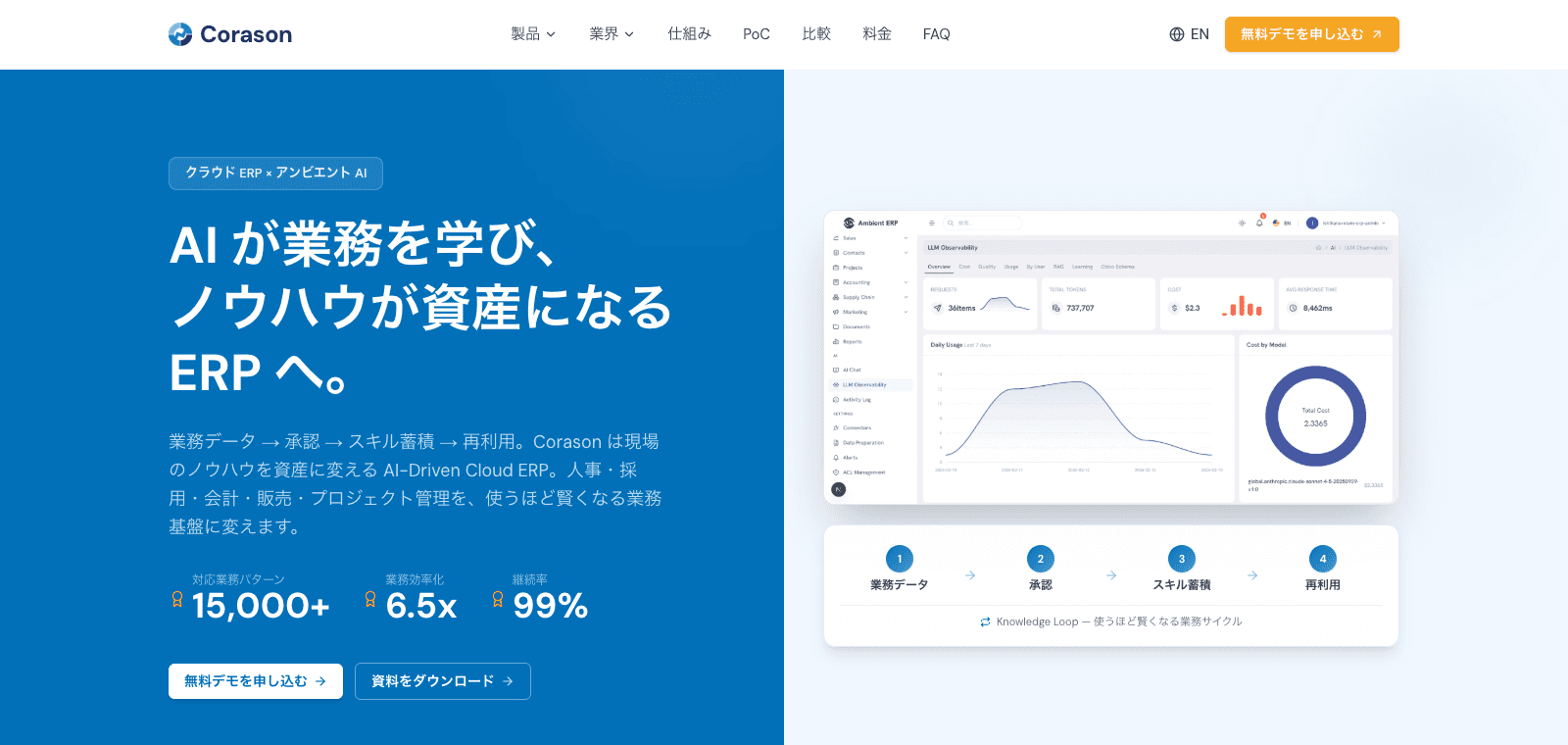
Corason unifies business modules and lets teams search operational data in natural language. Write actions are designed with human approval.
Built for role control, audit logs, RAG knowledge, observability, and secure ERP operations.
23
Integrated modules
HITL
Approved AI actions
RAG
Knowledge connection
RLS
Permissions
SERVICE PROOF
Corason turns daily operations into a managed AI workflow
Corason connects data, AI assistance, human approval, and reporting so teams can operate with speed and control.
23
Integrated modules
HR, ATS, accounting, sales, inventory, projects, and AI operations.
HITL
Approved AI actions
Sensitive writes can be confirmed before execution.
RAG
Knowledge connection
Search documents and operational data together.
RLS
Permissions
Use role control, row-level security, and audit logs.
WHY IT MATTERS
Common operational issues Corason solves
An AI ERP that unifies HR, accounting, recruiting, sales, inventory, projects, knowledge, and AI operations.
Data
Data is split across tools
Departments cannot act quickly when ERP data, spreadsheets, and documents are separated.
People
Operations depend on individuals
Work slows when decision rules and handover notes are not kept up to date.
AI
AI is not connected to workflows
Chat tools are hard to adopt when they do not connect to ERP data and approvals.
WORKFLOW
How Corason works in daily operations
Corason unifies business modules and lets teams search operational data in natural language. Write actions are designed with human approval.
Unify business data
Bring HR, accounting, sales, inventory, and project information into one model.
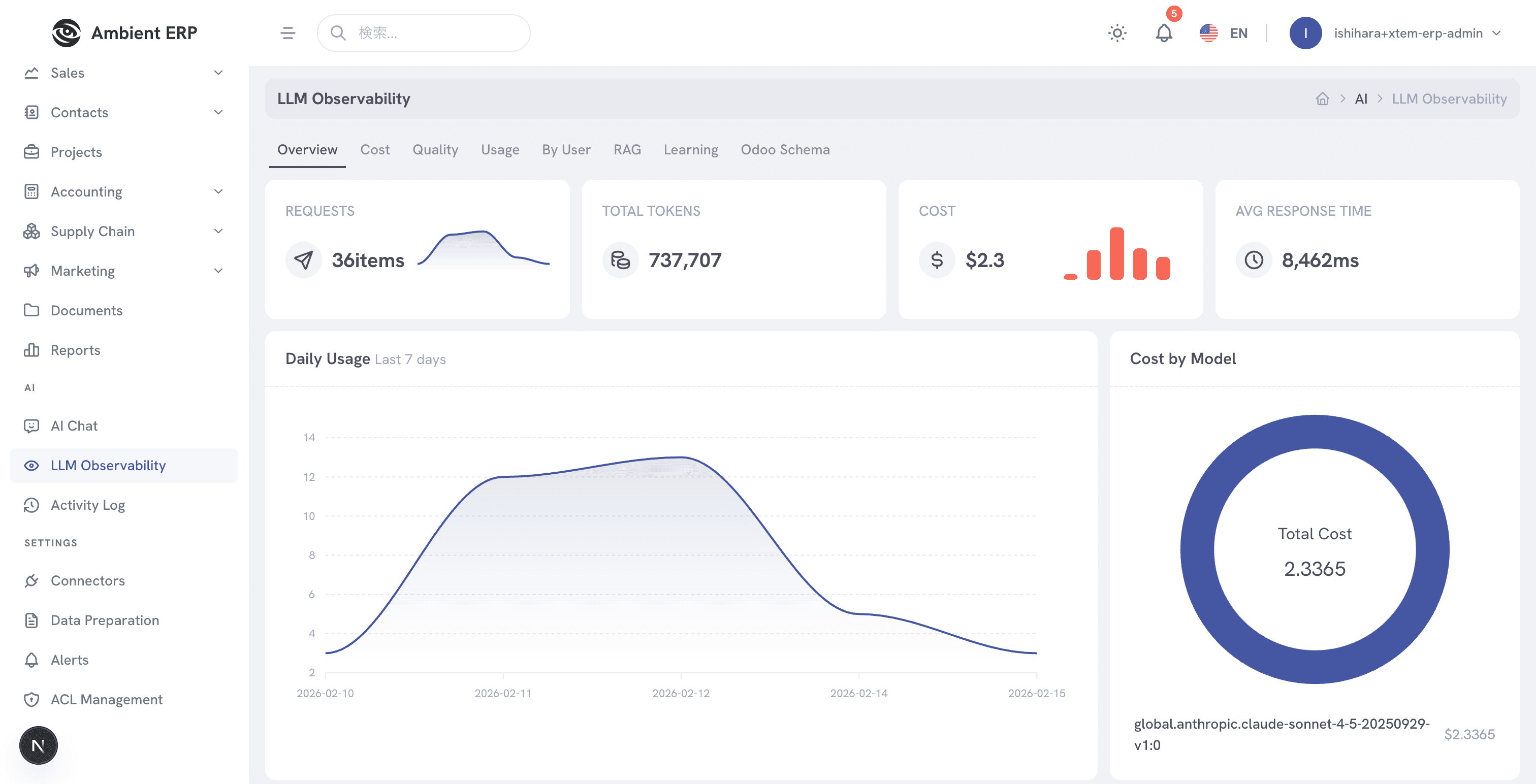
Search with natural language
Ask questions across modules and documents without manually switching tools.
Approve write actions
Show confirmation cards before creating, updating, deleting, or approving data.
Monitor AI usage
Track quality, cost, usage, and exceptions to improve operations.
FEATURES
Cloud ERP x Ambient AI
An AI ERP that unifies HR, accounting, recruiting, sales, inventory, projects, knowledge, and AI operations.
AI assistant
Natural language search, RAG, Q&A learning, and approval workflows.
HR management
Employees, departments, skills, contracts, evaluations, leave, and organization charts.
Recruiting
Candidate boards, talent data, AI matching, and interview management.
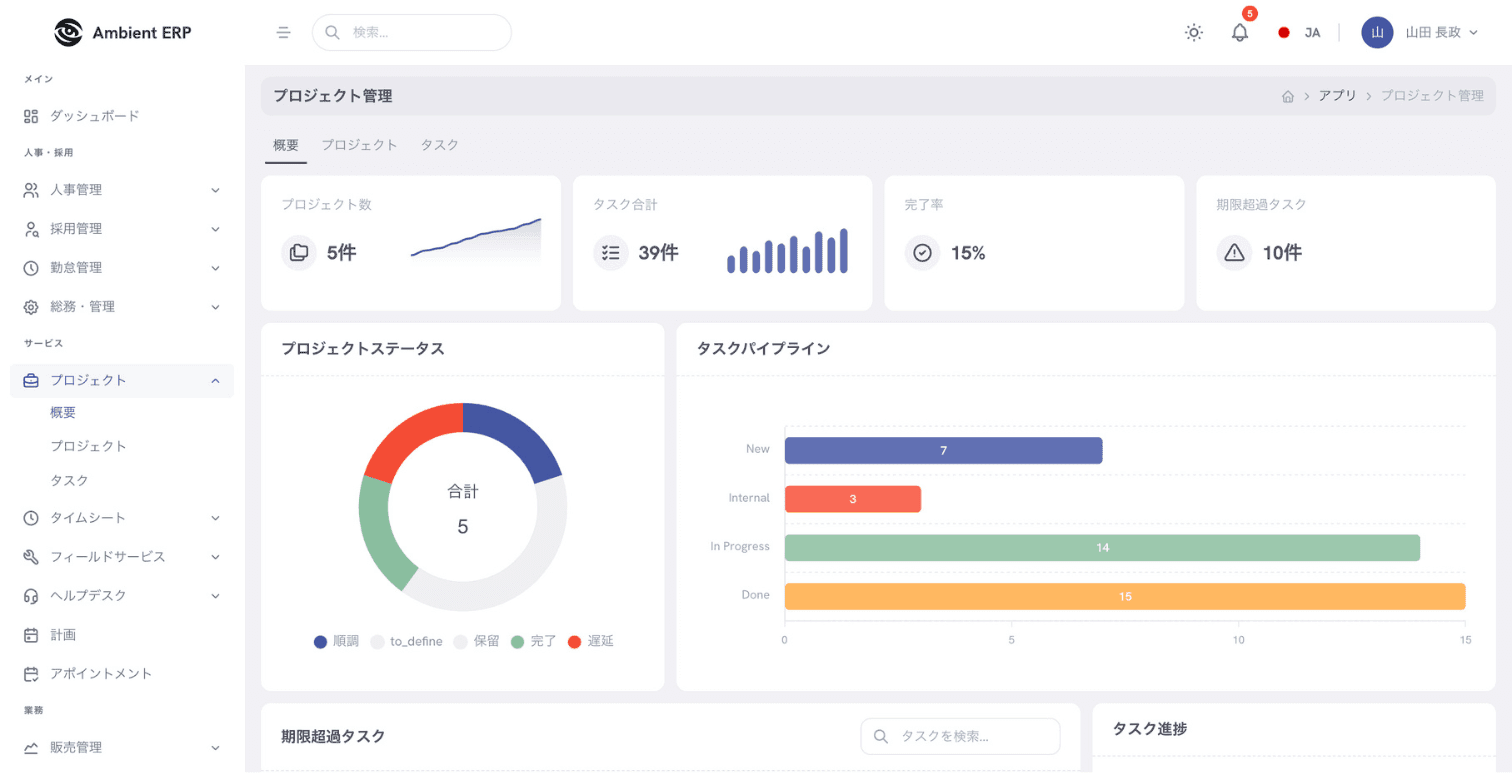
Project management
Tasks, ownership, deadlines, timesheets, and workload analysis.
Accounting
Invoices, bills, payments, journals, and accounting reports.
Observability
Track AI cost, usage, quality, RAG metrics, and audit logs.
PRODUCT VIEW
A practical view of Corason
Teams can review work, data, approvals, and outcomes from one operating surface.
Unify business data
Bring HR, accounting, sales, inventory, and project information into one model.
Search with natural language
Ask questions across modules and documents without manually switching tools.
Approve write actions
Show confirmation cards before creating, updating, deleting, or approving data.
Use cases
- HR
- Search employee, skill, and contract information
- Finance
- Connect invoices, payments, and project profitability
- Projects
- Track tasks, deadlines, and workload in one place
- Management
- Review AI usage, governance, and operational metrics
GOVERNANCE
Security, approval, and auditability by design
The operating model keeps human responsibility, access control, and audit trails visible from the start.
Role
read / write / approve / export
Data
read / write / approve / export
Approval
read / write / approve / export
Audit
read / write / approve / export
Report
read / write / approve / export
Export
read / write / approve / export
Human approval
Important actions can be reviewed by a person before they affect business data.
Access control
Roles and permissions limit who can view, edit, approve, or export information.
Audit logs
Operational history is retained for review, reporting, and compliance.
Quality monitoring
Usage, exceptions, and service quality are tracked for continuous improvement.
IMPLEMENTATION
Start small, verify value, and expand safely
We begin with a focused process, validate the workflow, then expand data, users, and automation scope.
Step 1
Process review
Setup: Define target workflows, data, roles, risks, and success metrics
Step 2
Pilot setup
Setup: Configure data, AI tasks, review rules, dashboards, and permissions
Step 3
Live validation
Setup: Run with real users and refine prompts, rules, and operating procedures
Step 4
Scale operations
Setup: Extend to more teams, integrations, reports, and governance controls
PLANS
Plans matched to scope and operating volume
The setup can start with a pilot and expand as users, integrations, and governance requirements grow.
Pilot
Validate one workflow
Custom quote
- Workflow design
- Initial AI setup
- Human review flow
Business
Operate with teams
Custom quote
- Dashboards
- Permissions
- Reporting
- Operational support
Enterprise
Scale across departments
Custom quote
- Integrations
- Advanced governance
- Audit logs
- Dedicated support
FAQ
Frequently asked questions
Can AI change data automatically?
Important write actions can require human confirmation before execution.
Can we migrate from spreadsheets?
Yes. Data, permissions, and workflows can be migrated in phases.
Which department should start first?
Start with areas where data is fragmented and review work is heavy, such as HR, projects, or accounting.
NEXT STEP
Plan your Corason rollout
Share your current workflow and data constraints. We will suggest the safest first step for using Corason.